Professional embroidery starts long before the needle touches the fabric. It starts with a well-made digital file. A good file tells the machine where to stitch, when to stop, and how to build each part of the design. Choosing a Top Embroidery Digitizing Service can help you turn logos, art, and custom designs into clean files that are ready for real embroidery work.

What Is Embroidery Digitizing?
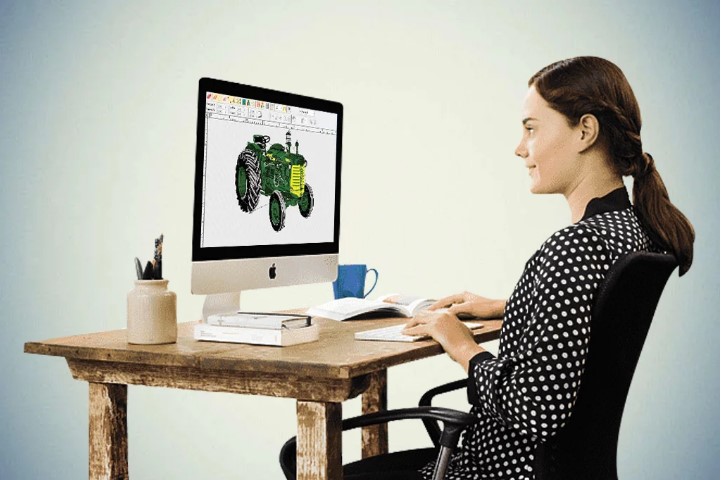
Embroidery digitizing is the process of turning artwork into stitch data. The finished file is made for an embroidery machine. It does not work like a normal image file.
A JPG or PNG shows a picture. An embroidery file tells the machine how to make that picture with thread.
The digitizer must decide how each part of the design will be sewn. This may include the stitch type, stitch path, density, underlay, and color order.
Why Good Digitizing Matters
A design may look great on a screen but still sew badly. The wrong file can cause:
- Thread breaks
- Gaps
- Puckering
- Loose stitches
- Poor text
- Uneven fills
- Extra trims
- Too many machine stops
Good digitizing helps reduce these problems. It can also save time during production.
What Makes a Good Embroidery Digitizing Service?
Not all digitizing work is the same. A good service looks at more than the artwork.
It also considers the fabric, design size, item type, and embroidery machine.
1. Skilled Digitizers
Experience matters in embroidery.
A skilled digitizer knows how thread behaves on different fabrics. They know that a design for a cotton shirt may need different settings from a design for a cap.
They also know when a detail is too small to sew well.
Real Embroidery Knowledge
A good digitizer should understand:
- Satin stitches
- Fill stitches
- Run stitches
- Underlay
- Stitch density
- Pull compensation
- Stitch direction
- Stitch sequence
- Thread changes
This knowledge helps turn artwork into a useful production file.
2. Clean Stitch Planning
Every stitch has a purpose.
The digitizer plans the path so the machine can build the design in a smart order.
A clean stitch plan can reduce long jumps and extra trims. It can also reduce the number of color changes.
Stitch Direction
Stitch direction can change the way an embroidered design looks.
It can help show curves and shapes. It can also give the design a more balanced look.
Poor stitch direction may make large areas look flat or uneven.
3. Balanced Stitch Density
Density means how close the stitches are.
Too much density can make the design thick. It may also cause thread breaks or put too much stress on the fabric.
Too little density can leave gaps. The fabric may show through areas that should be covered.
The best density depends on the design, fabric, size, and stitch type.
4. Proper Underlay
Underlay is a base layer of stitches. It sits below the top stitches.
It helps support the design and can keep the fabric more stable during sewing.
Good underlay can help improve:
- Shape
- Coverage
- Edge quality
- Stitch stability
- Fabric control
The amount of underlay must be balanced. Too much can make the design heavy. Too little may not give enough support.
5. Good Pull Compensation
Stitches can pull the fabric as they are sewn. This can change the shape of the design.
Pull compensation helps the digitizer allow for this effect.
This is very useful for letters, circles, and other shapes where a small change can affect the final look.
Choose a Service That Tests Its Files
A digital preview is useful, but a real sew-out tells you more.
A good service should be willing to test the file when needed.
Why a Sew-Out Matters
A test sew can show problems that are hard to see on a screen.
Check for:
- Gaps
- Puckering
- Thread breaks
- Uneven borders
- Poor lettering
- Loose stitches
- Wrong color order
If a problem is found, the file can be edited before the full order starts.
Test on Similar Fabric
The test should use fabric that is close to the final item.
A file may act differently on cotton, denim, fleece, twill, or stretch fabric.
Testing on the right material gives a better idea of how the final work will look.
Embroidery Digitizing for Different Products
Different products need different file settings.
Hats and Caps
Caps have a curved surface. They also have a center seam.
This can make them harder to embroider than flat items.
A cap design may need careful stitch direction and a good stitch sequence. Small details may also need to be made simpler.
Shirts and Polos
Shirts can be soft and flexible. Some may stretch during sewing.
Good underlay and balanced density can help keep the design stable.
Small text should also be checked before production.
Jackets
Jackets can have thick fabric. Some also have layers.
The digitizer must plan the design so it does not become too heavy.
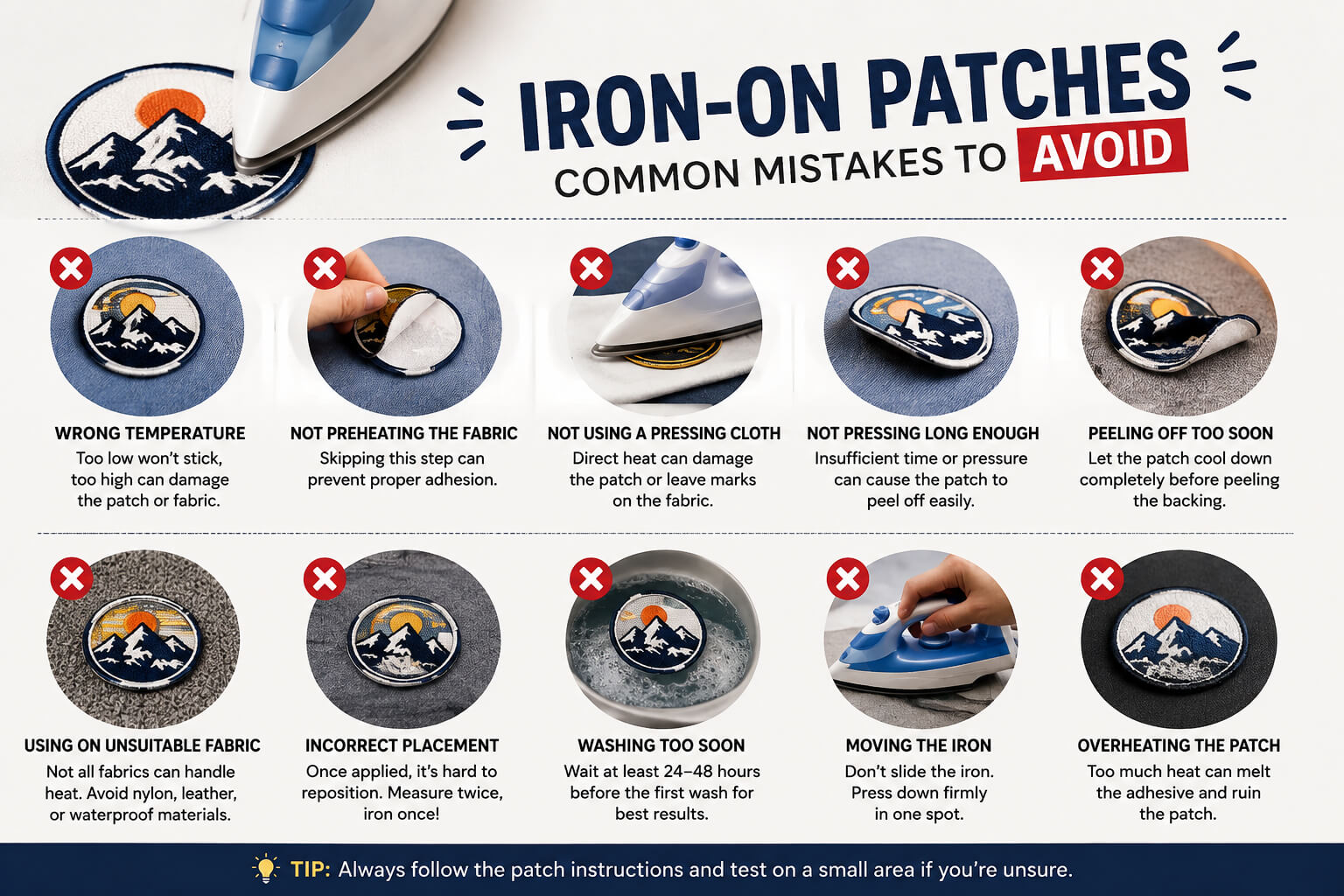
Patches
Patches need good coverage and a strong edge.
The border must be planned with care so it looks clean after the patch is finished.
Check the Service’s File Support
Before you order, ask which file types the service can provide.
Common embroidery formats include:
- DST
- PES
- EXP
- JEF
- VP3
- XXX
- Other machine-specific formats
Your machine model should also be shared with the digitizer.
Machine Compatibility Matters
Do not assume every file works on every machine.
Tell the service your machine brand and model. This can help the digitizer prepare the correct file and settings.
Look at Past Work
One of the best ways to judge a service is to see what it has done before.
Look for real embroidery samples. Digital images alone may not show the full quality of the work.
What to Check
Look closely at:
- Letter edges
- Small details
- Borders
- Curves
- Fill areas
- Thread flow
- Color changes
A strong sample set should show more than one type of design.
Read Reviews With Care
Reviews can help you learn about a service.
Look for comments about file quality, support, turnaround time, and revisions.
Do not focus only on star ratings. Read the details.
A review that explains how a service solved a stitch problem can be more useful than a short rating.
Ask About Revisions
A file may need changes after the first test.
Ask if revisions are part of the service.
A good provider should be able to review issues and make sensible changes.
Give Clear Project Details
You can help the digitizer by sending the right information.
Provide:
- Clear artwork
- Final design size
- Fabric type
- Product type
- Machine model
- Thread colors
- Special instructions
If the design is for a cap, say so. If it is for a stretchy shirt, mention that too.
This information helps the digitizer make better choices.
Do Not Choose by Price Alone
Price is important, but it should not be the only factor.
A cheap file may look like a good deal at first. But if it causes thread breaks or poor stitching, you may spend more on wasted fabric and thread.
A better choice is a service that gives you good value.
Look at:
- File quality
- Experience
- Communication
- Testing
- Revision support
- Machine knowledge
- Turnaround time
How a Professional Workflow Works
A good digitizing process often follows several steps.
Step 1: Review the Artwork
The digitizer checks the image, shapes, colors, and details.
Step 2: Plan the Stitches
Each part is given a suitable stitch type.
Step 3: Set the Main Details
Density, underlay, pull compensation, and stitch direction are adjusted.
Step 4: Set the Stitch Order
The digitizer plans the order of the stitches and color changes.
Step 5: Check the File
The file is reviewed before delivery.
Step 6: Test When Needed
A sew-out can be used to find and fix problems.
Step 7: Make Final Changes
The file can be adjusted based on the test result.
Why Professional Help Is Worth It
DIY embroidery software can be useful. But learning how to use it well takes time.
A professional digitizer already knows the basics of stitch planning. This can save you hours of trial and error.
It can also help you avoid costly mistakes on large orders.
A Better File Means Better Production
A well-planned file can help the machine run more smoothly.
It may reduce:
- Thread waste
- Machine stops
- Extra trims
- Failed sew-outs
- Production delays
This matters even more when you make many pieces with the same logo.
Why Digitizing Buddy Can Be a Good Choice
Digitizing Buddy focuses on turning artwork into embroidery-ready files with attention to stitch quality and production needs.
The right service should not simply convert a picture. It should build a stitch plan that fits the design, product, fabric, and machine.
When you work with a professional provider, ask questions before the work starts. Share your artwork and project details. Review samples. Ask about testing and revisions.
Final Thoughts
The best embroidery file is one that works well on the actual product. It should look clean on the screen and sew cleanly on fabric.
Choosing a skilled digitizing service can make a big difference. Look for experience, real sew-out samples, good stitch planning, machine knowledge, and revision support.
Do not judge a service by price alone. Focus on the quality of its work and how well it understands your project.
With the right digitizing partner, your logos, hats, shirts, patches, and custom designs can have clean stitches and a polished finish. Digitizing Buddy can help make the step from artwork to machine-ready embroidery much easier and more reliable.